Docs
Quality presets, encoding, and queue
Tune output size and clarity, monitor the encode queue, and manage GIF versions per project.
Overview
GIF export is split into two parts: choosing output quality, then monitoring the asynchronous encode process.
Included presets
| Preset | FPS | Width | Colour matrix |
|---|---|---|---|
| Low | 8 | 480 | Colours64 |
| Medium | 12 | 640 | Colours128 |
| High | 18 | 800 | Full |
| Best | 24 | 1080 | Full |
Why presets matter
These presets simplify a notoriously finicky format. Most users can start with Medium or High and get a strong result without manually balancing size and fidelity.
Queue behavior
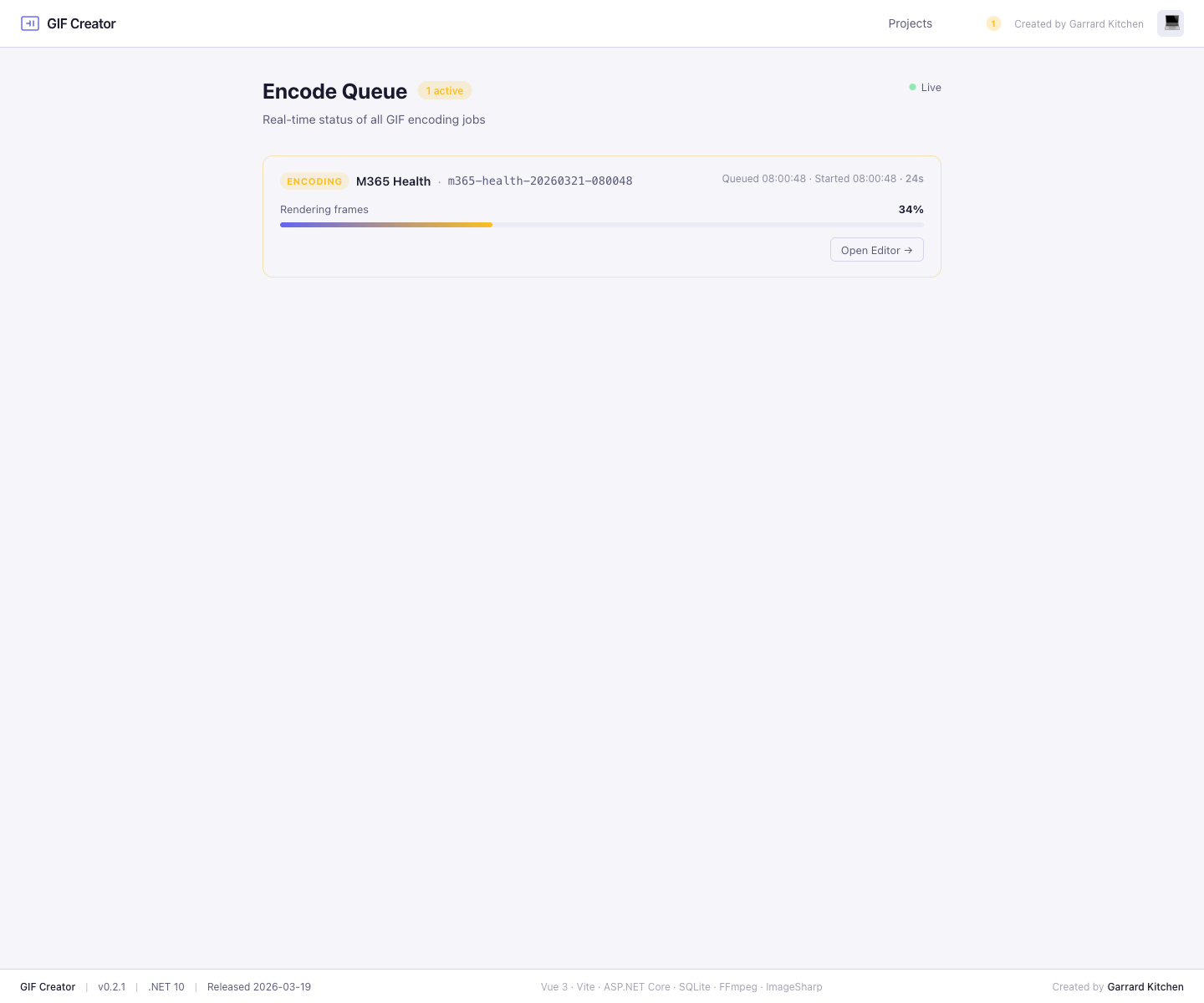
Encoded GIFs are processed asynchronously. The queue page shows:
- Queued jobs
- Active jobs with progress and step name
- Completed jobs with timing
- Failed jobs with the error text
Immediate result in the editor
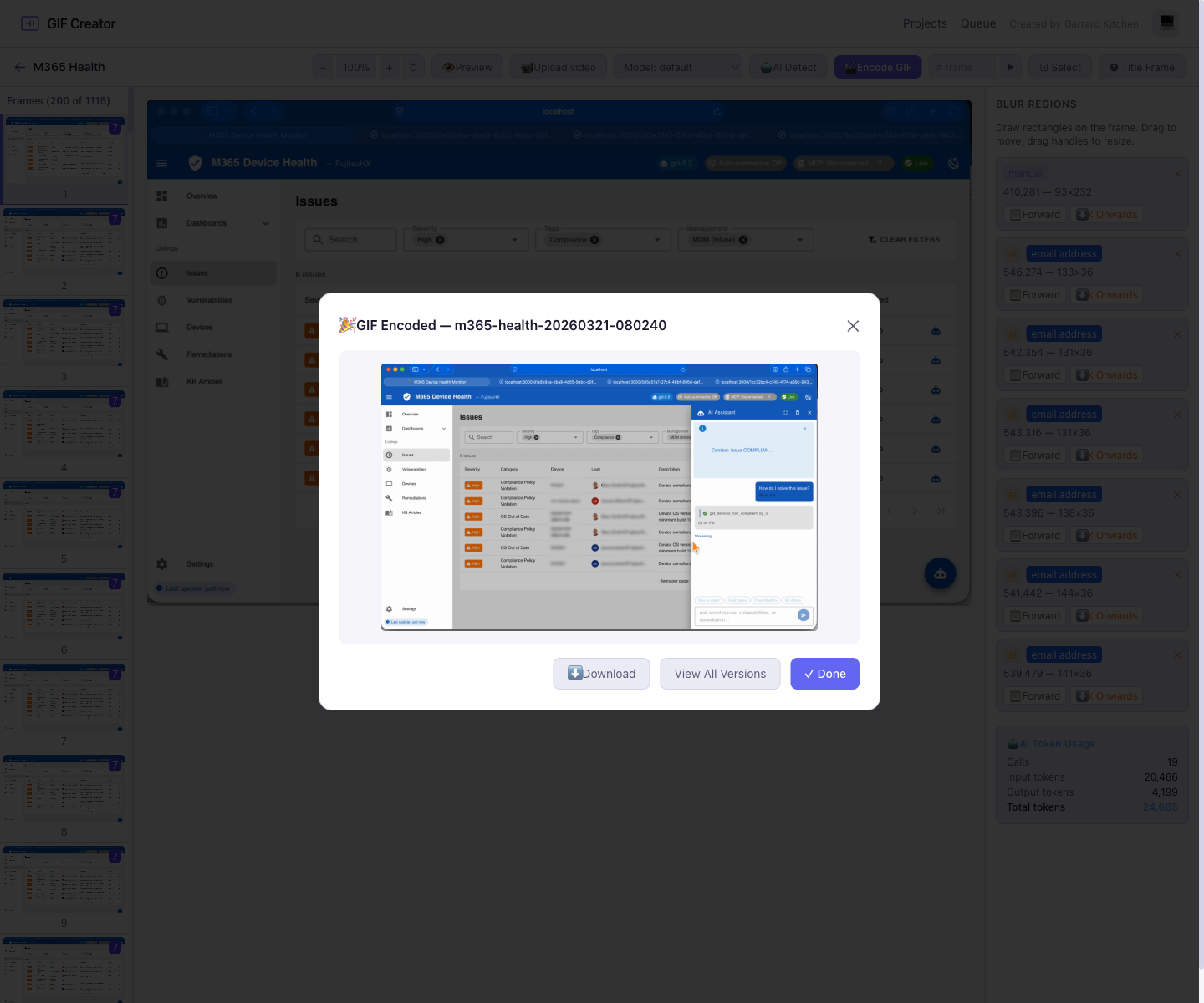
When the encoder finishes, the editor opens a post-encode modal with the newly generated GIF so you can confirm the result right away.
Version management
Every encoded output becomes a version attached to the project. That lets you compare, play back, and download multiple exports from the same editing session.
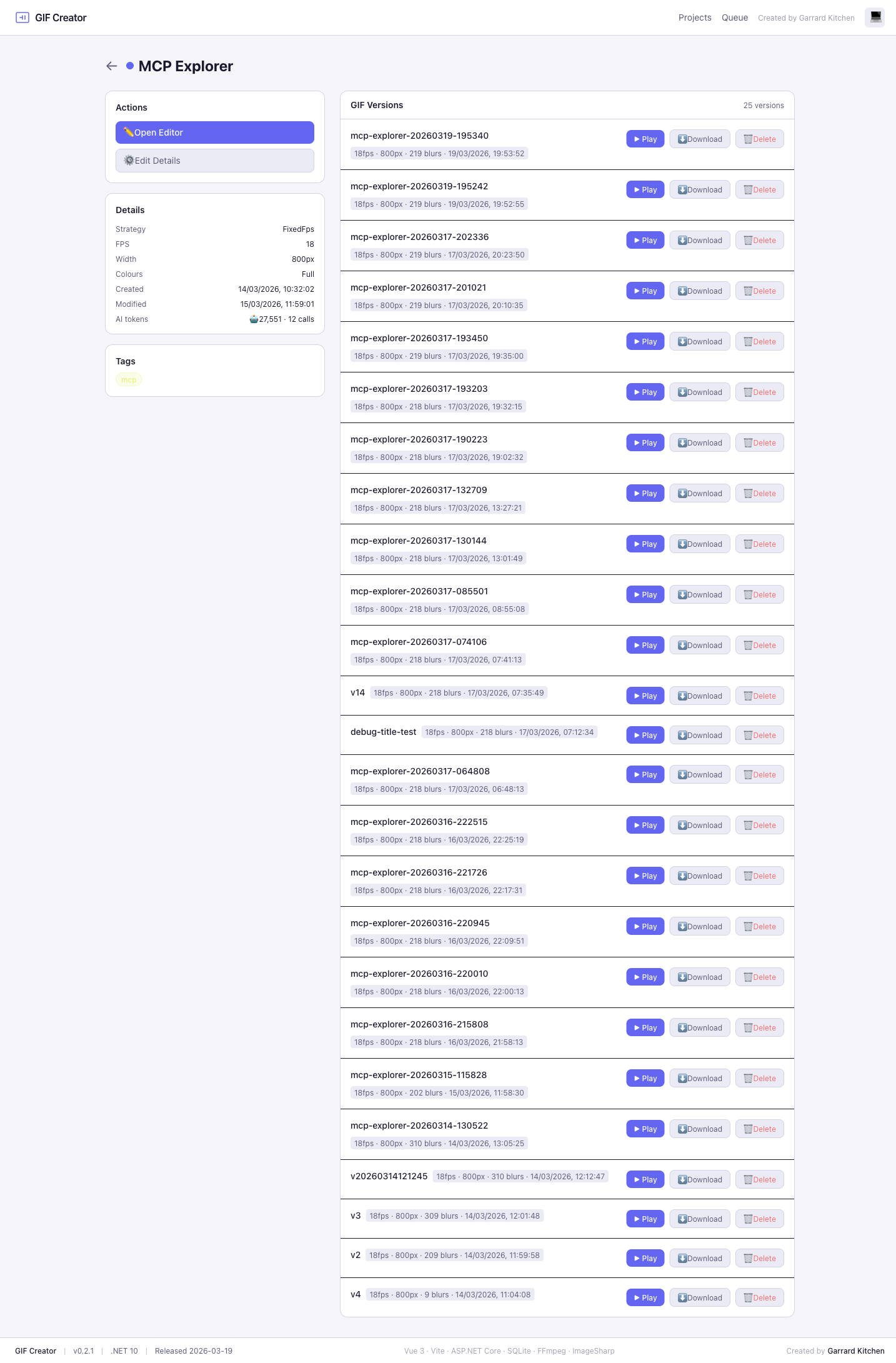
From the project details page you can:
- play a GIF inline before you commit to it
- download a specific version directly
- remove versions you no longer want to keep