Docs
Themes and appearance
Switch between dark, light, and system color modes from the app header.
Overview
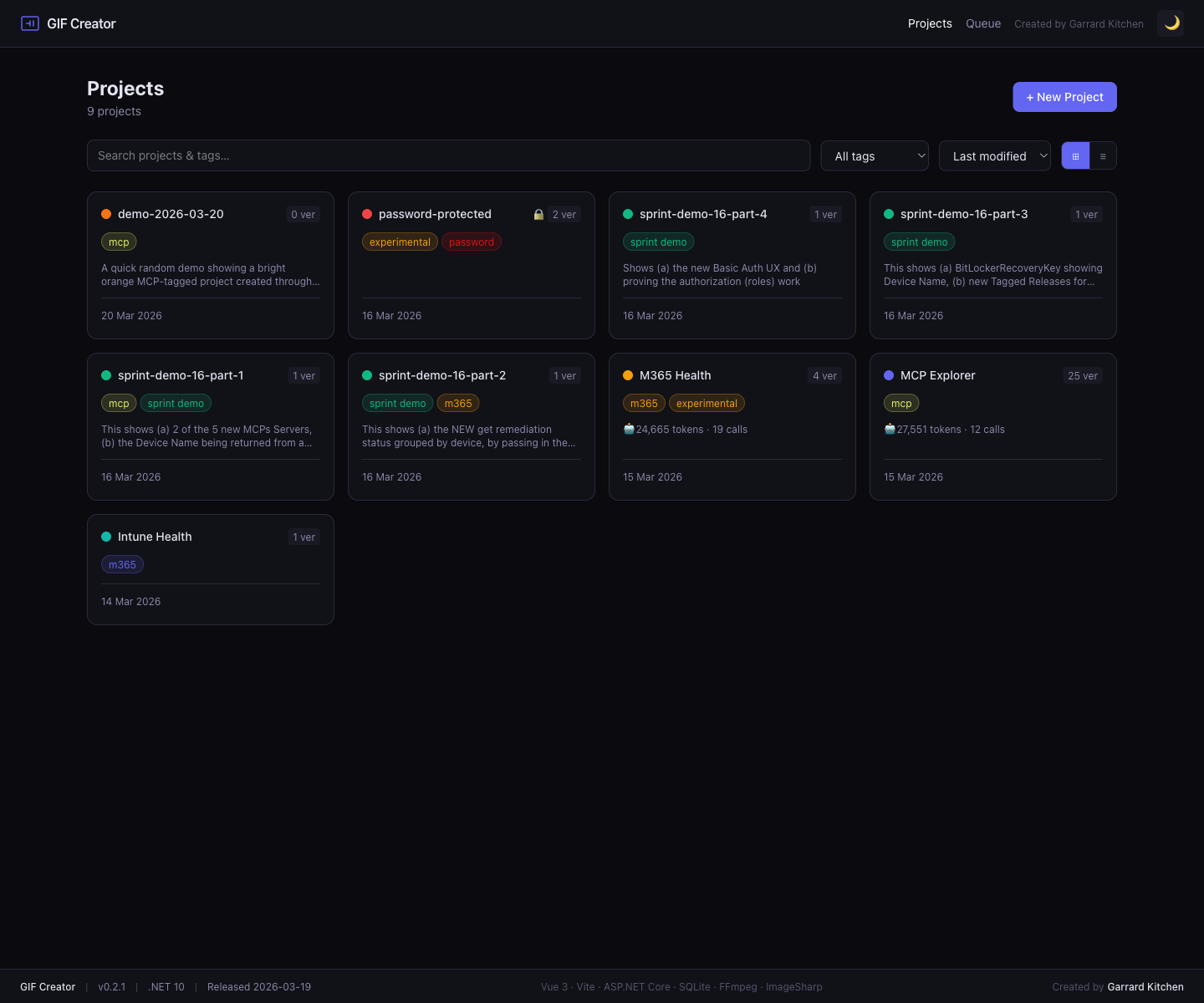
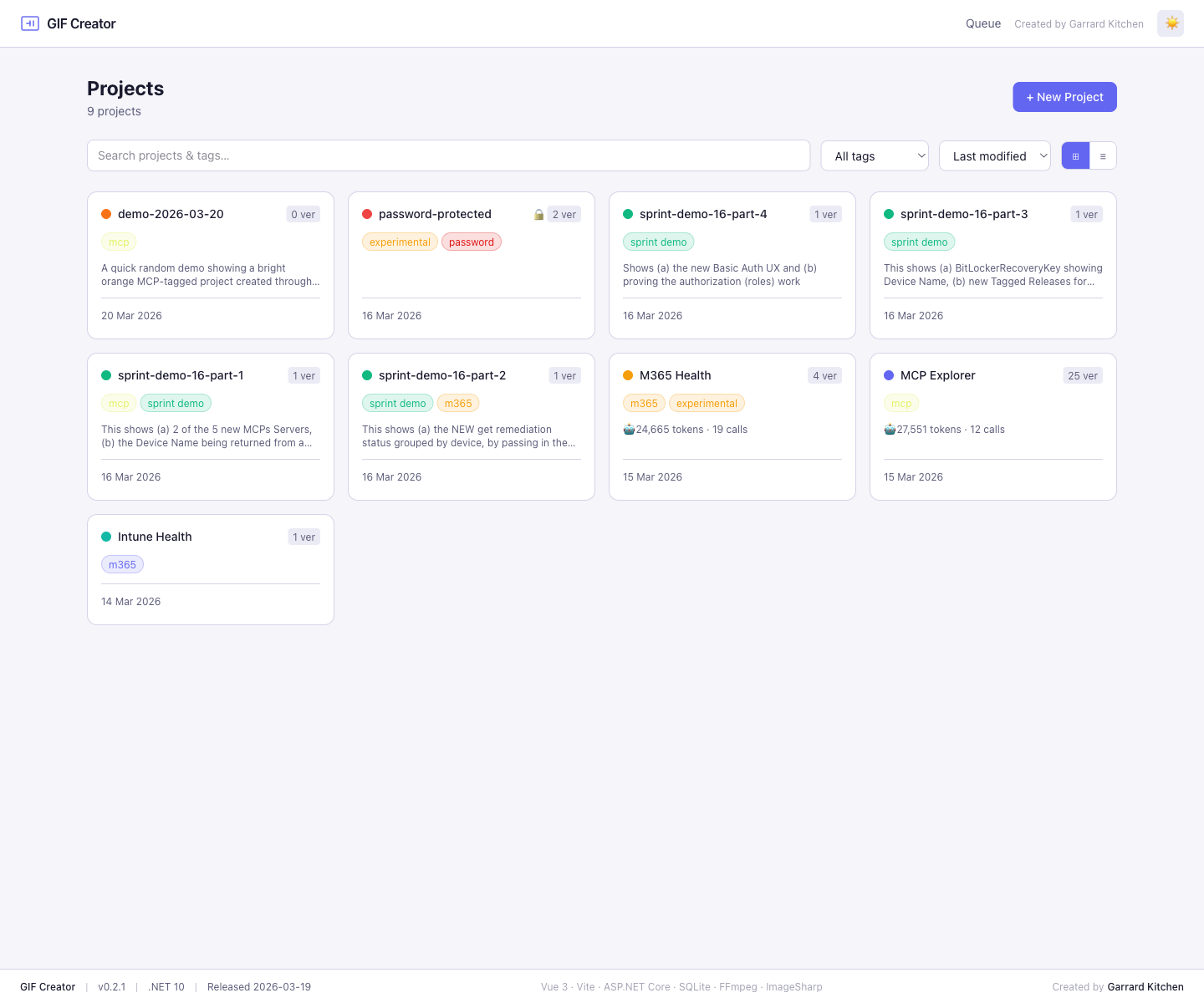
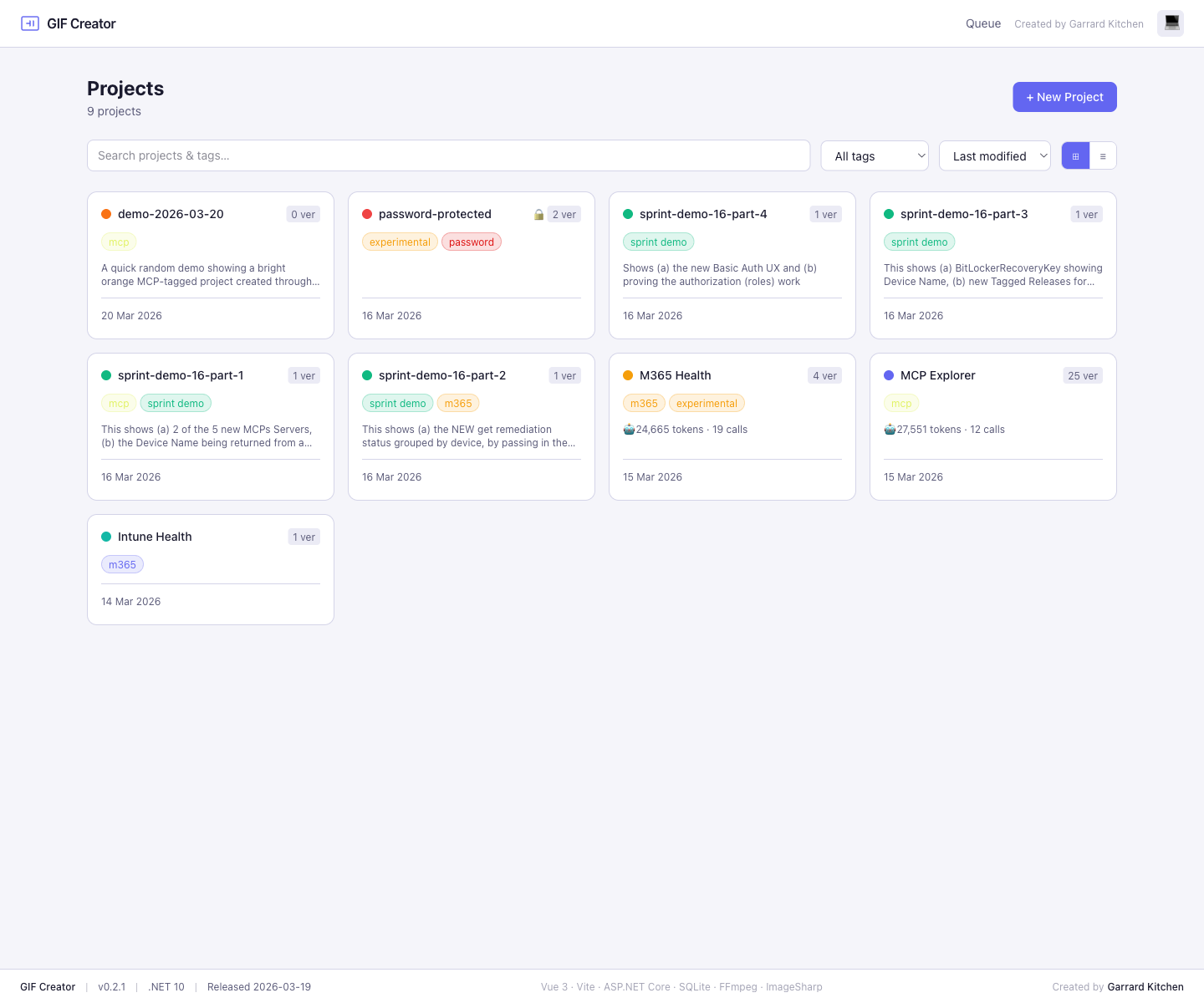
GIF Creator includes three appearance modes in the header theme toggle:
darklightsystem
The toggle cycles through those modes and stores the choice in local storage so the app can restore it on the next visit.
How system mode works
When the app is set to system, it follows the operating system preference and updates when the OS theme changes.
Theme examples
Where to find it
Use the theme button in the top-right corner of the header:
🌙for dark☀️for light💻for system