Docs
Title frames
Insert synthetic title frames with typography, effects, colour, and motion controls.
Overview
Title frames let you create a polished opening or closing card inside the GIF workflow itself.
Configuration areas
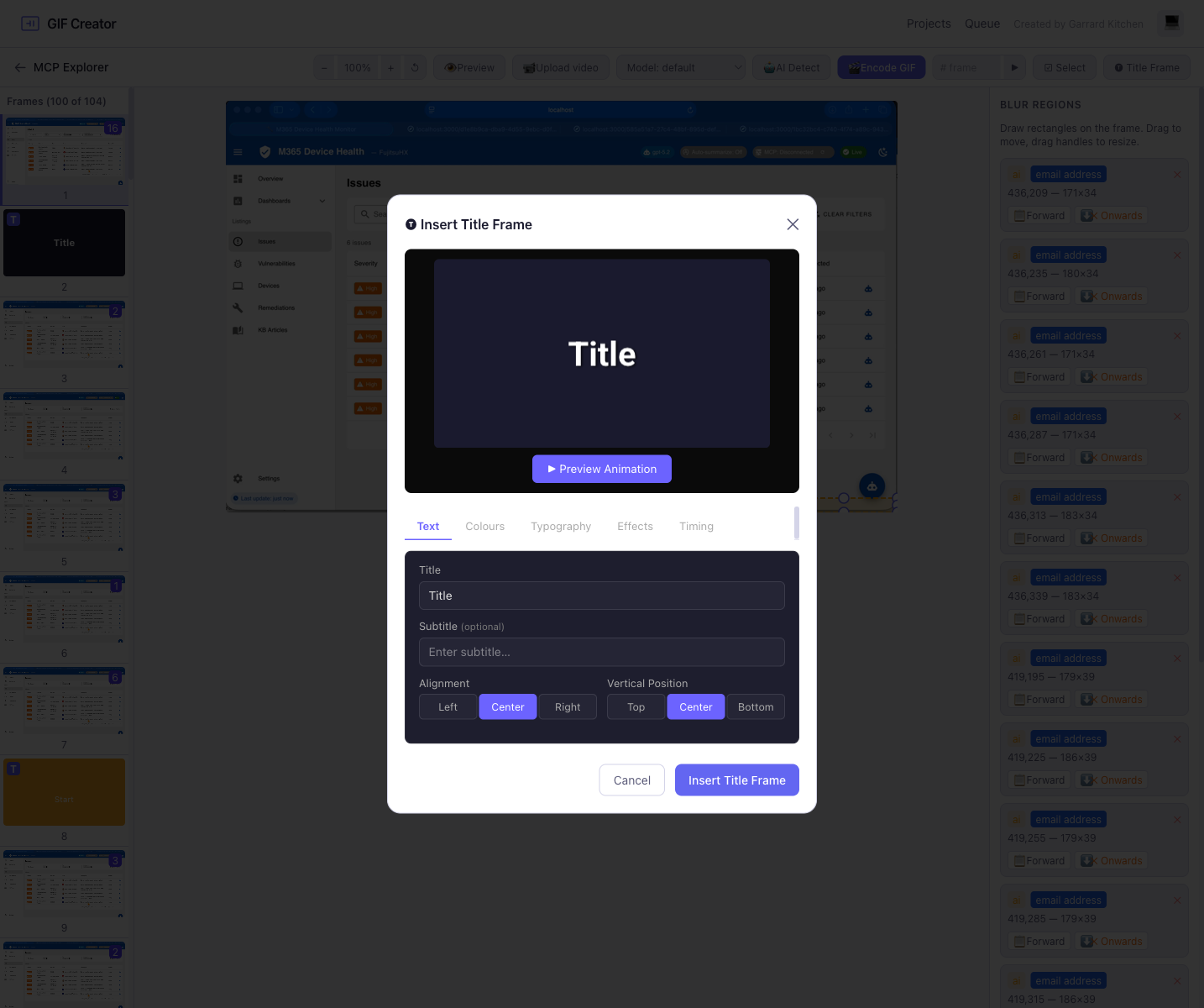
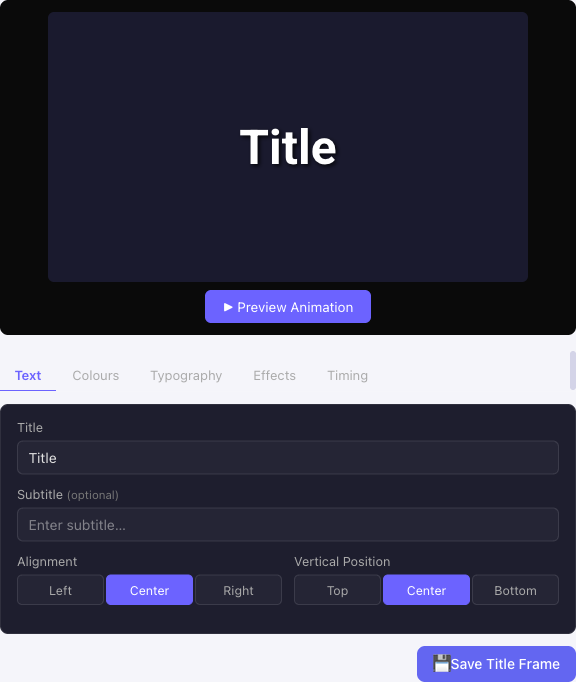
The title frame editor includes tabs for:
- Text
- Colours
- Typography
- Effects
- Timing
Built-in controls
| Category | Example controls |
|---|---|
| Text | Title, subtitle, alignment, vertical position |
| Typography | Font family, size, weight, italic, letter spacing |
| Effects | Shadow colour, shadow blur, stroke width, stroke colour |
| Timing | Hold duration, fade-in, fade-out, animation effect |
Why this is useful
Without title frames, users would need a separate graphics or video tool to create branded intros. GIF Creator keeps that workflow inside the product.