Docs
Compare versions and export
Encode multiple variants of the same project, monitor the queue, and choose the best output.
Overview
A single project can produce multiple GIF versions. This is useful when you want to compare file size, quality, blur coverage, or title frame choices.
Typical flow
- Encode a first version using the default project settings.
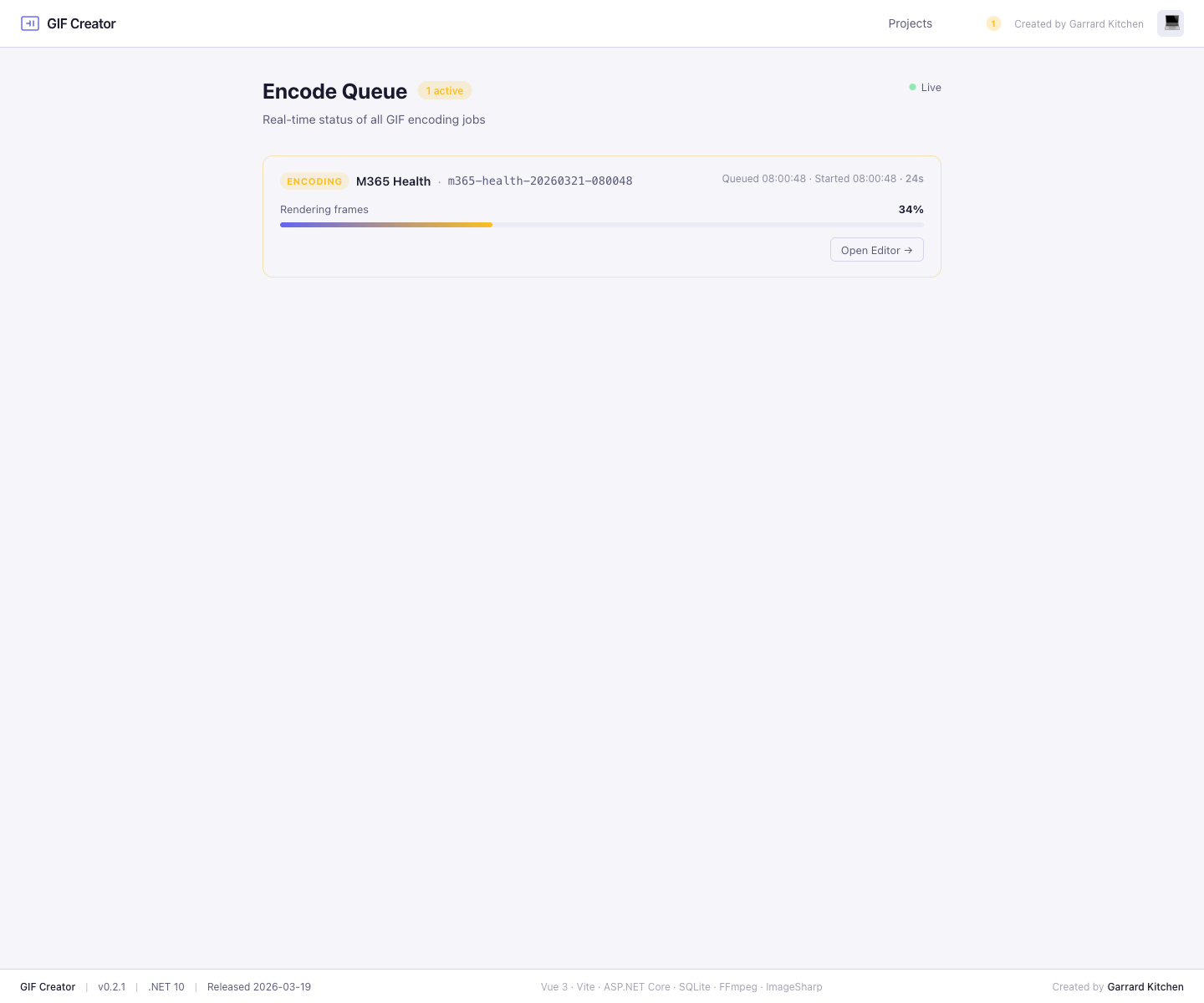
- Review the live job in the queue.
- Return to the editor and change the output label or quality settings.
- Encode a second version.
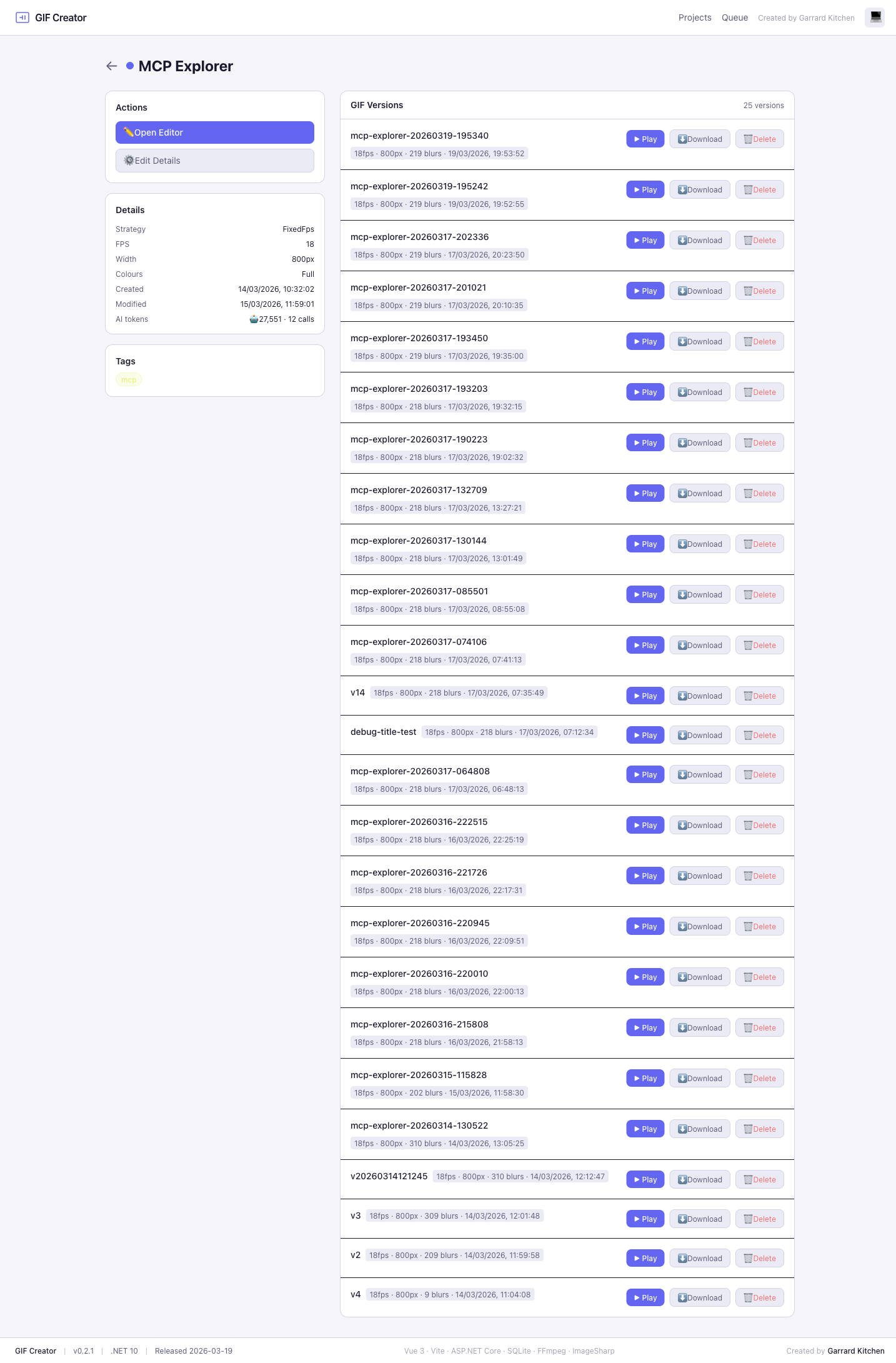
- Review both versions from the project details page.
- Play each GIF inline to compare motion, blur coverage, and readability.
- Download the winner and delete the version you no longer need.
What changes between versions
Each version captures:
- Label
- FPS
- Width
- Colour matrix
- Blur region count
- Creation time
That makes it easy to compare a lightweight shareable export with a higher quality archival version.
Playback and download
The project details page is the handoff point for finished exports:
- use Play to open a GIF inline
- use Download to save the selected version
- use Delete to remove versions you no longer need